

Common Mistakes in Doctor File Design 2026

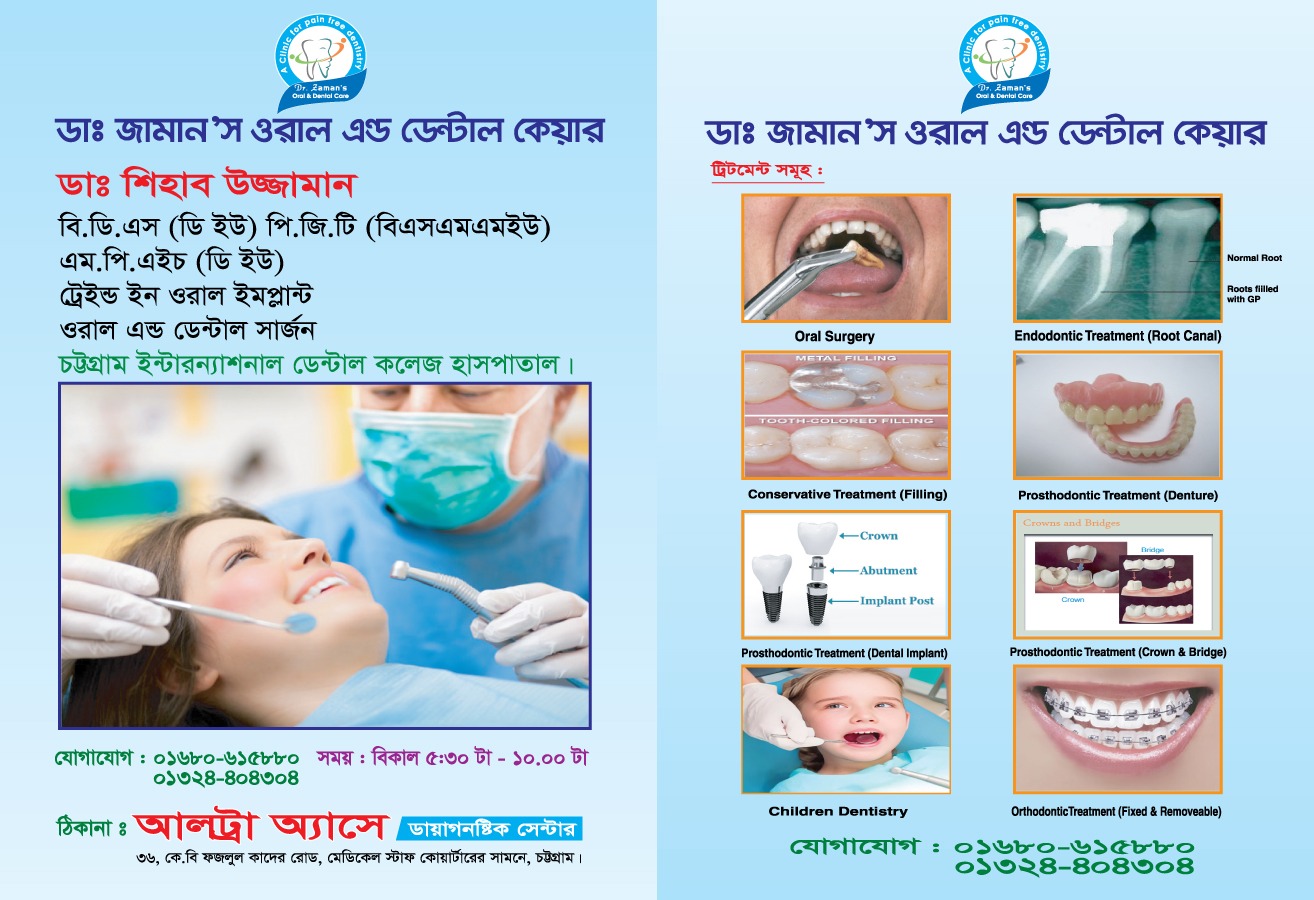
A doctor file is more than just a folder for holding patient documents. It represents the professionalism, organization, and brand value of a clinic or hospital. Unfortunately, many healthcare institutions make small but critical mistakes while designing doctor files, which can negatively affect patient experience and brand perception.
In this article, we will explore the most common doctor file design mistakes and explain how to avoid them to ensure your medical files look professional, functional, and trustworthy.
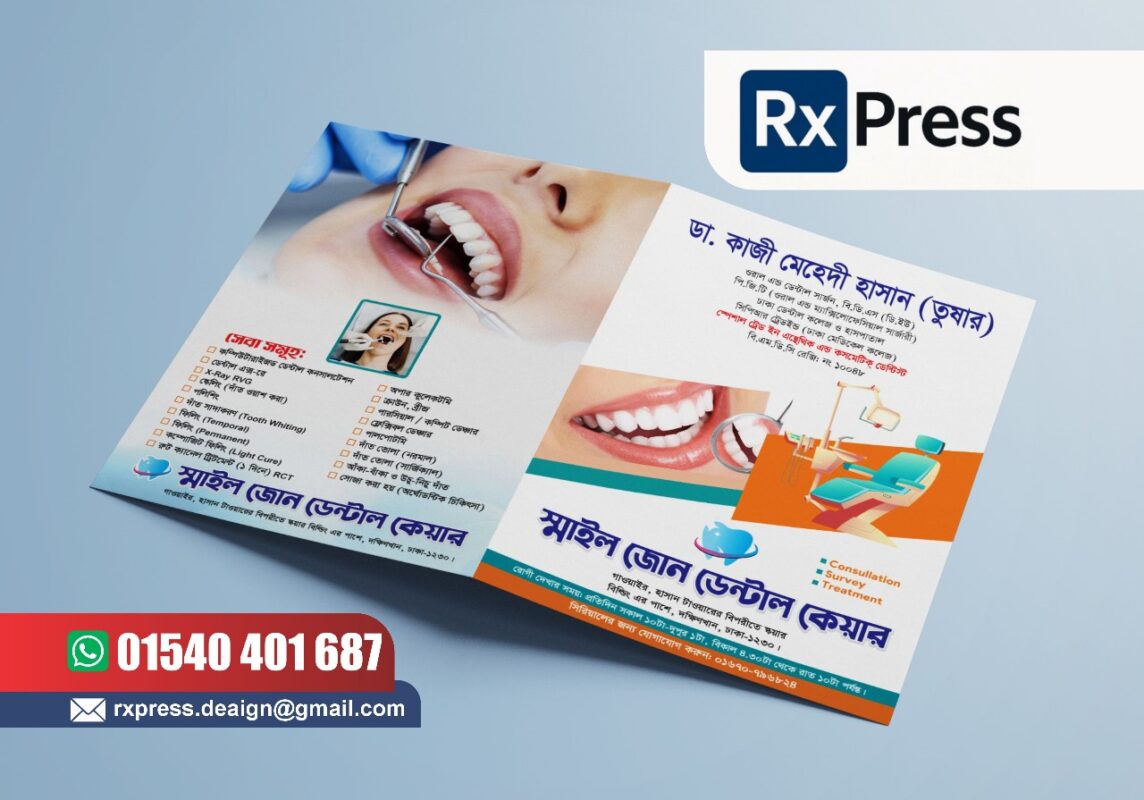
Using Low-Quality Paper or Board
One of the most common mistakes in doctor file design is choosing low-quality paper or board to reduce costs.
Thin paper bends easily, tears quickly, and fails to protect important medical documents. Over time, this creates frustration for both patients and staff.
How to avoid it:
Always use strong board materials such as 300 GSM or 350 GSM art card or Swedish board. These materials provide durability, better grip, and a professional finish suitable for medical environments.
Choosing the Wrong File Size
Another frequent issue is selecting an incorrect file size that does not properly fit standard medical documents.
If reports, prescriptions, or diagnostic papers do not fit properly inside the file, they get folded, damaged, or lost.
How to avoid it:
The most recommended size for doctor files is A4 (approximately 9 × 13 inches). This size comfortably fits prescriptions, lab reports, and imaging documents like X-rays or ECG papers.
Overcrowded and Cluttered Design
Many clinics try to include too much information on the file cover—logos, icons, colors, graphics, and text all competing for attention.
This makes the file look messy and unprofessional.
How to avoid it:
Medical file design should follow a minimal approach. Use only essential elements such as the logo, clinic name, contact details, and tagline. Leave enough white space to keep the design clean and readable.
Poor Logo Placement and Scaling
Incorrect logo placement or poor scaling is another common design flaw.
Logos that are too small, too large, pixelated, or placed awkwardly weaken brand identity and reduce trust.
How to avoid it:
Place the logo in a clear and visible position, usually at the top-left or center of the file cover. Always use a high-resolution logo file and maintain consistent sizing across all printed materials.
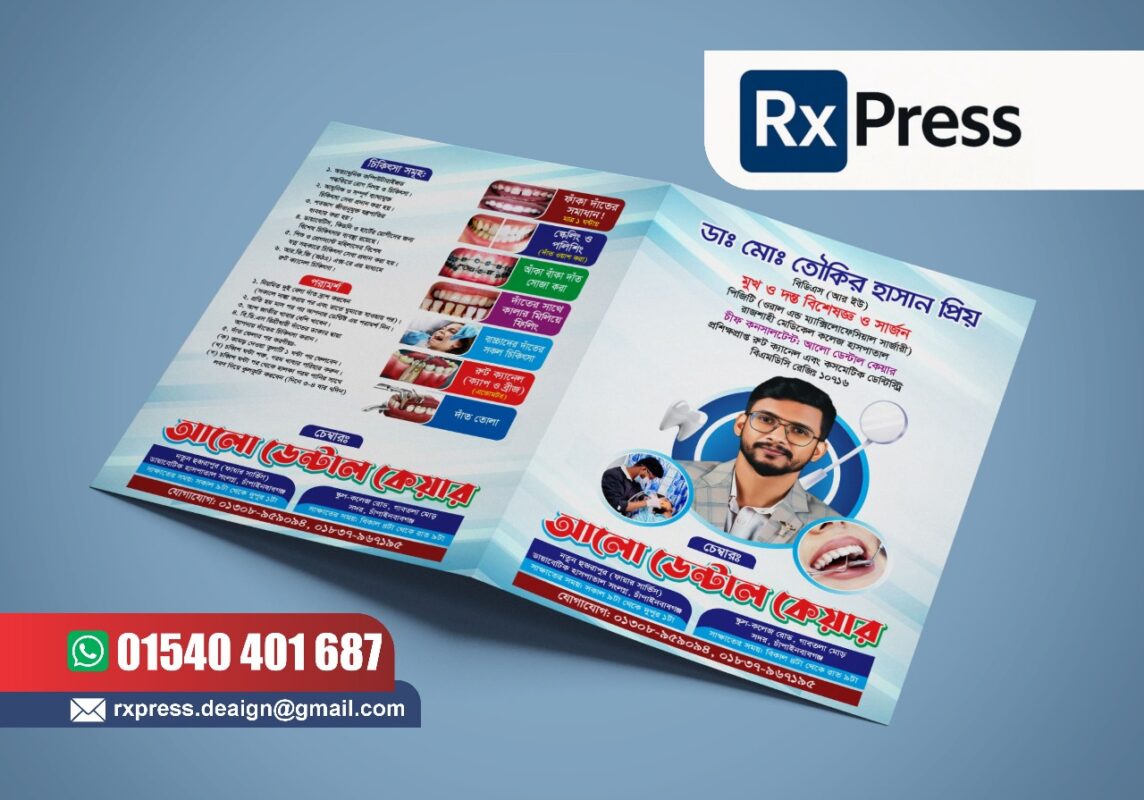
Using Inappropriate Colors for Healthcare
Bright, flashy, or random color combinations are often seen in poorly designed doctor files.
Such colors can make the file look unprofessional and may even create discomfort for patients.
How to avoid it:
Stick to healthcare-friendly colors such as blue, teal, green, navy, and white. These colors are associated with cleanliness, trust, and calmness, which are essential in medical environments.
Ignoring Branding Consistency
Some clinics use different colors, fonts, or layouts across their doctor files, prescription pads, and report envelopes.
This inconsistency damages brand recognition and makes the clinic look disorganized.
How to avoid it:
Maintain consistent branding by using the same color palette, fonts, logo style, and layout across all medical stationery. Consistency builds trust and strengthens brand identity.
Missing Important Patient or Clinic Information
Another serious mistake is leaving out essential information such as clinic address, contact number, emergency hotline, or patient identification fields.
This can cause confusion and inconvenience for patients.
How to avoid it:
Ensure every doctor file includes essential clinic details and basic patient information sections. Clear labeling helps both patients and staff manage records efficiently.
Using Unreadable Fonts
Some designers choose decorative or overly stylized fonts that look attractive but are difficult to read.
In medical documents, readability is more important than decoration.
How to avoid it:
Use clean, professional fonts such as Poppins, Roboto, Open Sans, Lato, or Helvetica. These fonts ensure clarity and are widely accepted in healthcare design.
Skipping Lamination or Protection
Doctor files without lamination wear out quickly due to regular handling.
This reduces the lifespan of the file and affects overall quality.
How to avoid it:
Use matte or gloss lamination to protect the file surface. Matte lamination is usually preferred for medical files because it offers a premium look and resists scratches and fingerprints.
Not Reviewing the Design Before Printing
Many errors occur simply because the design was printed without proper review.
Spelling mistakes, alignment issues, and incorrect contact details can permanently damage credibility.
How to avoid it:
Always review the design carefully before printing. Check spelling, alignment, color accuracy, and layout spacing. A final review can save time, money, and reputation.
Conclusion
Doctor file design may seem simple, but small mistakes can have a big impact on professionalism, usability, and brand image. By avoiding these common errors and following best practices, clinics and hospitals can create high-quality, functional, and visually clean doctor files.
A well-designed doctor file improves patient experience, protects important documents, and strengthens your clinic’s identity. Investing in proper design and printing is not an expense—it’s a long-term benefit.
