

Get Quotation!
We are ready to answer right now! Let us your information we will call you shortly.
I consent to the processing of personal data and agree with the user agreement and privacy policy
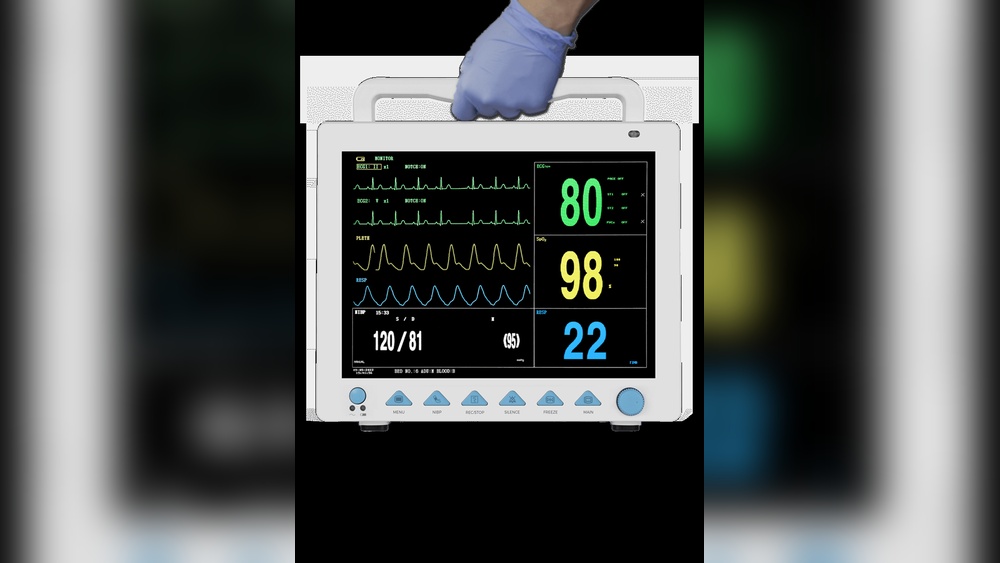
Are you struggling to create a clear and professional ECG report file? Whether you’re working with 6-channel or 12-channel ECG data, designing and cutting your report can be confusing.
But don’t worry—this guide will walk you through every step. You’ll learn how to make your ECG report easy to read and accurate, helping you save time and impress your colleagues or clients. Keep reading, and soon you’ll have the skills to produce perfect ECG reports every time.

Credit: www.eneuro.org
An ECG report shows the heart’s electrical activity. It helps doctors find heart problems quickly. The report records the timing and strength of heartbeats. This information is key for proper diagnosis and treatment.
Understanding the basics of ECG reports is important before making or designing one. Each report type has a specific format. The number of channels affects how the heart data is displayed. Knowing these details makes creating ECG files easier.
There are mainly two types of ECG reports. One is the standard 12-lead ECG report. It shows a full view of the heart’s electrical activity. The other type is the 6-lead ECG report. It provides a simpler, quicker snapshot of the heart.
12-lead reports are more detailed and used in hospitals. 6-lead reports are common in portable or home devices. Each type has its own file design and cutting requirements. Choosing the right type depends on the use case.
A 12-channel ECG records signals from 12 different points on the body. This gives a complete picture of the heart’s electrical activity. A 6-channel ECG records fewer points and less detail.
The 12-channel ECG report is longer and more complex. It needs more space for printing or digital display. The 6-channel report is shorter and easier to read. It suits quick checks or less critical monitoring.
File design for 12-channel reports must handle more data. Cutting and formatting are more precise to keep all information clear. For 6-channel reports, the design is simpler and faster to produce.
Creating an accurate ECG report file requires the right tools. Equipment and software play key roles in this process. They help capture, design, and cut ECG reports for 6 and 12 channel readings. Choosing proper gear ensures clear and precise results.
Different machines handle different channel counts. Software designs the report layout and prepares it for printing or digital use. Knowing which tools to use makes the process easier and faster.
ECG machines record the heart’s electrical activity. Six-channel machines capture six leads simultaneously. They are simpler and often used for routine checks.
Twelve-channel machines provide more detailed data. They record all 12 leads at once. This detail helps doctors find more heart issues.
Select a machine that matches your needs. Ensure it supports digital data export. This feature is crucial for report file creation.
Software shapes the raw ECG data into a readable report. It arranges graphs, patient details, and doctor notes clearly.
Look for software with easy-to-use templates. This saves time in designing reports. Some tools also offer automatic data import from ECG machines.
Software must support cutting options. This means it can divide reports for printing or digital sharing. Compatibility with common file formats is important too.
Designing the ECG report layout is a key step in creating clear and useful files. A well-structured layout helps doctors read results quickly. It also ensures that all important data fits neatly on the page. For 6 and 12 channel ECG reports, the design needs careful planning. The report must show all channels without clutter. The layout should be easy to follow for medical staff and patients alike.
Good design improves communication between healthcare providers. It reduces errors and saves time during diagnosis. Let’s explore how to select templates and customize report elements for the best layout.
Start by choosing a template that matches the number of channels. Templates for 6 and 12 channel reports differ in space and format. Pick a template with clear sections for each lead. The template should support standard ECG measurements and notes. It must have space for patient details and test information. Use templates that are easy to edit and update.
Adjust the template to fit your needs. Add or remove data fields based on what is important. Arrange the ECG waveforms in a logical order. Use readable fonts and sizes for text and numbers. Highlight key measurements like heart rate and intervals. Include space for doctor comments and signatures. Make sure the report looks balanced and professional.
Collecting ECG data is the first step in creating a reliable ECG report file. Accurate data ensures the final report reflects the heart’s true activity. Careful preparation and precise recording are essential. This section explains how to prepare the patient and record clear signals for both 6 and 12 channel ECGs.
Start by making the patient comfortable. Ask them to lie down calmly on a flat surface. Remove any jewelry or metal objects from the chest area. Clean the skin where electrodes will be placed to remove oils and dirt. Dry the skin completely to help electrodes stick properly. Explain the process briefly to the patient to reduce anxiety. Keep the room quiet and warm to avoid muscle tremors.
Attach electrodes firmly to the designated spots on the chest and limbs. Use gel or adhesive pads for good contact. Check each lead for loose connections before starting. Instruct the patient to stay still and breathe normally during recording. Avoid talking or moving to prevent signal noise. Monitor the ECG machine display for clear, steady waveforms. Save the data carefully to avoid loss or corruption.
Transferring data from an ECG machine to a report file is a key step in creating accurate ECG reports. This process ensures the recorded heart signals are saved correctly for analysis. Proper transfer helps avoid errors and data loss. It also speeds up report generation for 6 and 12 channel ECG machines.
The transfer involves connecting the ECG machine to a computer. Then, the data is imported into specialized software. This software allows you to design and cut the report file with ease. Follow simple steps to complete the transfer smoothly.
First, connect the ECG machine to your computer using a USB or serial cable. Check the machine’s manual for the right cable type. Turn on both devices before connecting. Ensure the computer recognizes the ECG machine. This might take a few seconds. Look for a notification or sound confirming the connection.
Use a stable connection to avoid interruptions. Avoid moving the cable during data transfer. This keeps the data safe and complete.
Open the ECG software on your computer. Select the option to import data or open a new file. Navigate to the connected ECG machine or storage location. Choose the recent ECG recording to import. The software reads the data and displays it on screen.
Check the imported data for completeness. Make sure all channels are visible. Save the file within the software. Now, you can design and cut the report for 6 or 12 channel ECG data. This process keeps your workflow smooth and efficient.

Credit: getwellue.com
Editing and reviewing the ECG report is a key step in creating accurate files. This process ensures the data is clear and ready for medical use. Careful review helps catch errors and improve the report’s quality.
Proper editing makes the ECG report easy to read and understand. It also highlights important details for doctors and patients. Every change improves the report’s usefulness and reliability.
Annotations add notes directly on ECG traces. These notes explain unusual patterns or important points. Marking waves, intervals, or events helps clarify the reading.
Use clear and simple labels for each annotation. This guides medical staff through the report. Highlighting key areas reduces confusion and speeds diagnosis.
Check all data points for correctness. Compare the report with raw ECG signals. Ensure each channel’s information matches perfectly.
Fix any errors found during verification. Accurate data builds trust in the report. This step prevents mistakes that could affect patient care.
Cutting and exporting the final ECG report is a key step in the process. It ensures the report is clean, clear, and ready for sharing or printing. Proper cutting removes extra space and unwanted parts from the ECG design. Exporting saves the report in a usable file format for doctors or patients.
This step applies to both 6 and 12 channel ECG reports. Each channel’s data must fit well within the page layout. The final look should be professional and easy to read. Careful attention to cutting and exporting improves the report’s usability.
Set the page size to match your printing paper or screen size. Use margins to keep content from touching edges. Adjust the ECG graphs and text to fit well on the page. Make sure all channels are visible without overlapping.
Choose clear fonts and appropriate font sizes for labels and notes. Use simple colors or black and white for better print quality. Preview the report to check alignment and spacing. This avoids problems when printing or viewing on different devices.
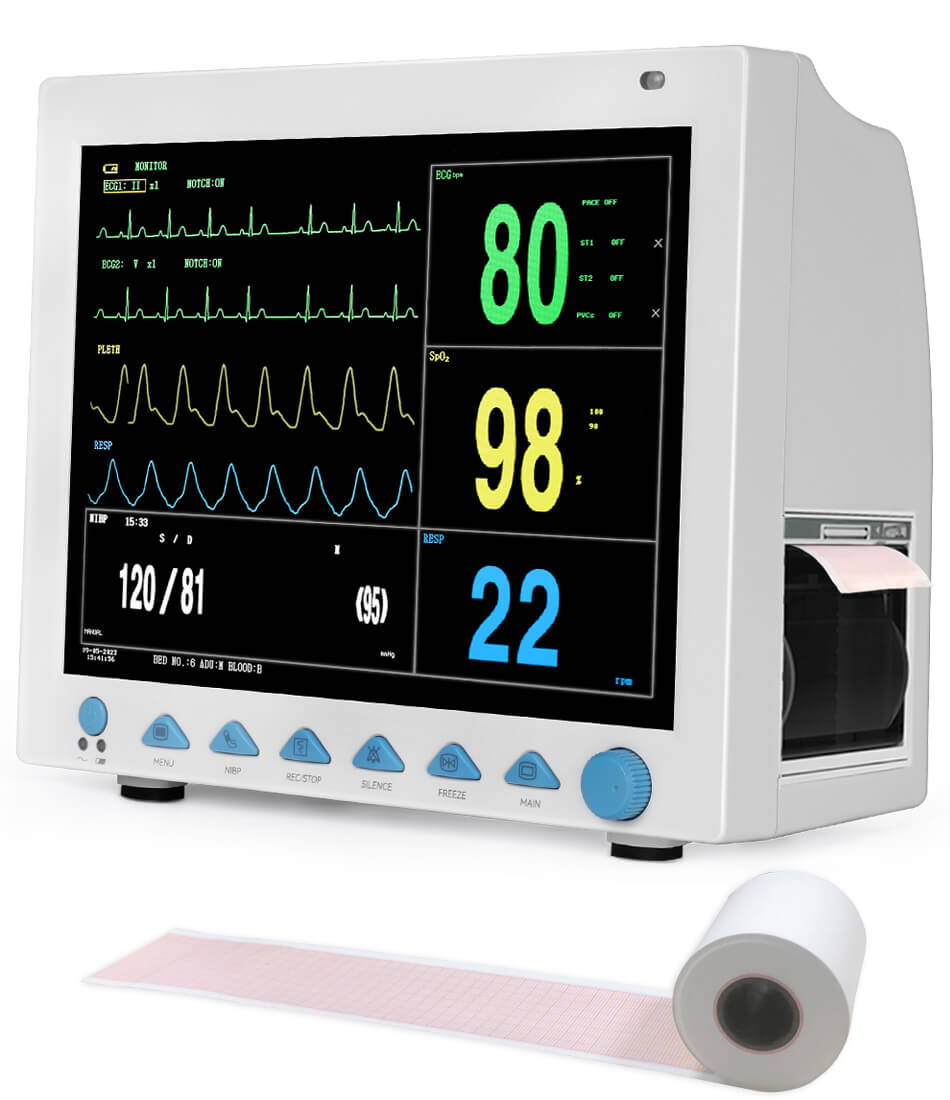
Save the ECG report in multiple file formats for flexibility. PDF is best for printing and sharing without changes. JPEG or PNG works well for images in presentations or emails. Use editable formats like DOCX if further editing is needed.
Check file size to ensure easy sharing by email or upload. Use high resolution for clear graphics but balance with file size. Name files clearly, including patient name and date for easy finding. Keep backup copies to avoid data loss.
Credit: getwellue.com
Creating an ECG report file for 6 and 12 channel designs can sometimes lead to issues. These problems can stop your work or cause wrong results. Knowing how to fix common issues helps save time and get accurate reports.
Troubleshooting is a key step in making sure your ECG files are perfect. It involves checking the file and the design carefully. Let’s explore two common problems and how to solve them.
Data transfer errors happen when information does not move correctly from the ECG machine to your computer. This can cause missing or wrong data in the report file.
Check the connection cables first. Loose or damaged cables often cause errors. Use a different cable to test the connection.
Verify the software settings. The machine and the computer software must use the same data format. Mismatched settings cause transfer failures.
Restart both the ECG machine and the computer. This can clear minor software glitches that block data transfer.
Layout problems occur when the ECG report does not display the signals properly. The waves may look wrong or the channels may overlap.
Open the report in your ECG software. Use the layout tools to adjust the size and position of each channel.
Make sure the report matches the selected design type. 6 channel and 12 channel layouts require different settings.
Save your layout changes and recheck the file. The signals should appear clear and correctly placed now.
An ECG report file records heart electrical activity. It helps diagnose heart conditions and monitor treatments. Accurate ECG files are vital for doctors to assess cardiac health effectively.
Design ECG files by organizing data for each channel clearly. Use standard formats to display waveforms, labels, and patient details. Ensure the design suits both 6 and 12 channel data for easy interpretation.
You need ECG machines for data capture and software for file design. Common tools include ECG analysis software, PDF creators, and image editors to format and save reports.
Cut ECG files by selecting relevant segments and removing noise. Format reports with clear channel separation, consistent scales, and readable text for accurate diagnosis.
Creating an ECG report file for 6 and 12 channel devices is straightforward. Start with a clear design to organize data properly. Follow each step carefully, from data input to cutting the report. This helps produce accurate and easy-to-read results.
Practice makes the process faster and smoother. Keep checking your work to avoid mistakes. A well-made ECG report supports better health decisions. Try these tips for your next ECG file. You will find the task easier with time.